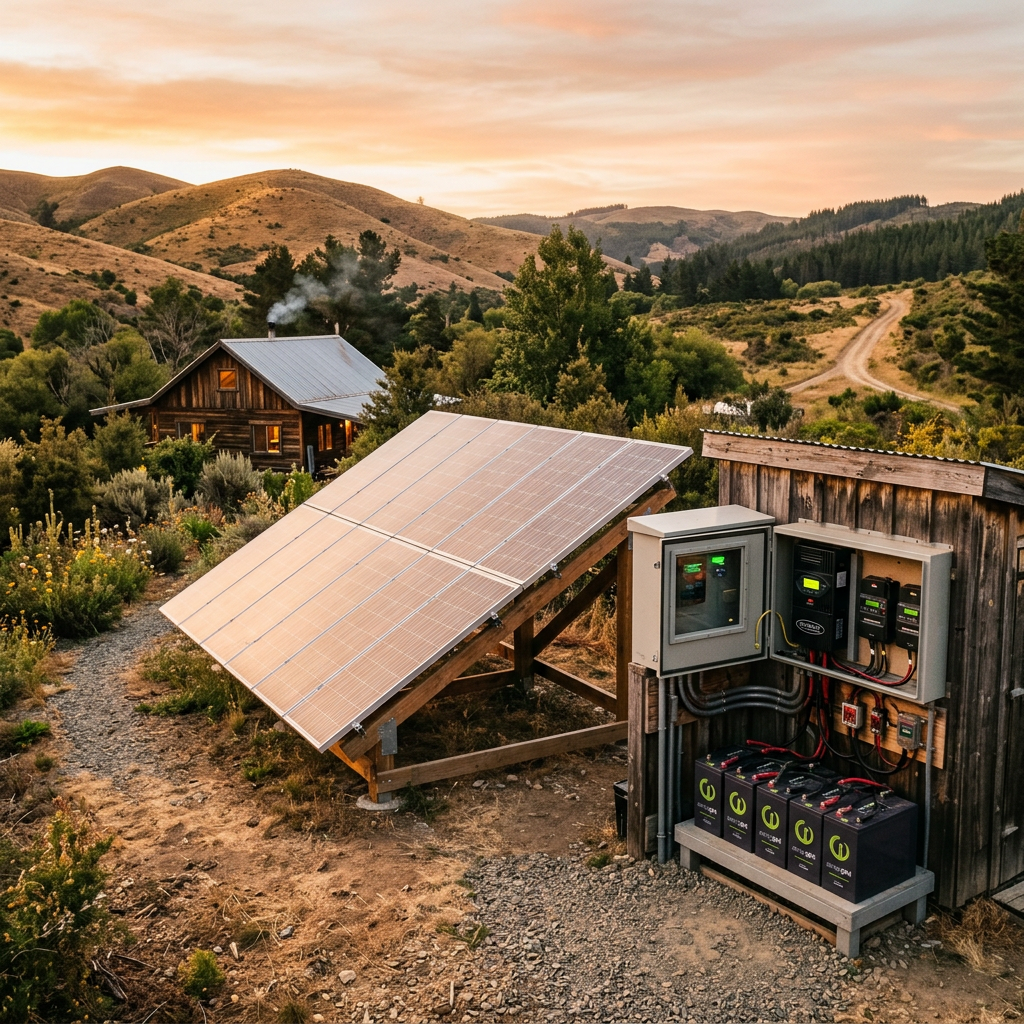
Once you have executed the phantom loads draining your apartment’s walls, your baseline energy consumption is clean, lean, and ready for off-grid optimization. The next step in building an independent urban micro-grid is sourcing back-up power.
If you browse any consumer marketplace, the standard recommendation is to buy a portable solar generator, a self-contained battery box equipped with standard AC wall outlets. The marketing imagery always shows a user cleanly plugging their standard laptop brick, phone charger, or internet router straight into the side of the battery box.
This is a massive engineering flaw disguised as a convenience.
Plugging an everyday electronic device into a portable power station’s alternating current (AC) wall outlet kicks off a multi-stage, highly inefficient round-trip electrical conversion. Every time you route energy through that standard AC plug, you are throwing away 15% to 25% of your precious, hard-won solar storage straight into the room as pure waste heat.
In a survival or off-grid scenario, losing a quarter of your energy baseline to an “inverter tax” is an operational failure. To maximize your energy efficiency, you must stop thinking in alternating current and transition to a native direct current (DC) topology.
The Thermodynamics of Inversion Losses
To understand where this energy disappears, we have to trace the data path of an electron from your solar panel to your laptop battery.
A solar panel harvests energy as low-voltage Direct Current (DC). This energy is pushed into an internal lithium battery cell bank, which stores it natively as low-voltage DC (typically 12V, 24V, or 48V).
When you plug a laptop into the battery box’s traditional AC wall outlet, the machine is forced to perform a dual-stage inversion trick:
- The Inverter Step: The power station takes its internal low-voltage DC and runs it through an internal inverter. The inverter uses high-frequency switching transistors and transformers to step the voltage all the way up to high-voltage Alternating Current (AC) at 110V or 220V, mimicking a traditional grid wall socket.
- The Rectifier Step: Your laptop’s charging brick receives this high-voltage AC, runs it through an internal rectifier, and steps it right back down to low-voltage DC (19V to 20V) so it can safely charge the laptop’s internal battery cells.
[Solar Panel (DC)] ──► [Battery (DC)] ──► [Inverter (AC Conversion)] ──► [Laptop Charger (DC Conversion)] ──► [Device Battery] ▲ ▲ └─── 15% HEAT LOSS ─────────────┴─── 10% HEAT LOSS
This thermodynamic loop violates the principle of minimalist design. According to the laws of electrical resistance and conversion physics, the inverter must consume a constant base of overhead power just to keep its internal high-frequency switches oscillating.
If you pull a small load, like a 45W laptop or a 10W router, from a large 1000W inverter, the inverter’s native quiescent current draw remains active. At these low, highly common device loads, the real-world efficiency of your portable power box can crater down to an abysmal 70%. You are burning up your emergency capacity simply to power the cooling fans and circuitry inside your power box.
The USB-C Power Delivery Protocol
The solution is elegant: cut out the middleman. Almost every critical modern computing, communication, and lighting device runs natively on direct current. Smartphones, tablets, laptops, Wi-Fi modems, and LED strips do not want AC power; their charging blocks are simply translators designed to get them away from it.
By leveraging a native DC-to-DC topology, we can feed our devices direct current straight from our backup batteries, bypassing the inverter entirely.
The universal framework that makes this possible is the USB-C Power Delivery (PD) protocol. Unlike older USB ports that were hard-locked to output a tiny 5V, a smart USB-C PD circuit module contains an integrated step-down (Buck-Boost) regulator. When you plug a modern laptop or device into a USB-C PD port, the device communicates with the port over configuration channels to safely negotiate the precise native voltage it requires.
Because a high-efficiency DC-to-DC Buck converter does not require high-frequency inversion or massive magnetic transformers, it operates at an astronomical efficiency rating exceeding 95%. Your energy transfers cleanly from battery to device with practically zero thermal bleed.
The Protocol: Engineering a Native DC Charging Loop
To build an un-killable, highly efficient communication and charging lifeline in an apartment, you can assemble a localized DC micro-grid using basic off-the-shelf components.
1.Source an Isolated 12V Battery Bank:The Core Cache.
Procure a high-quality, deep-cycle battery (ideally a 12V Lithium Iron Phosphate cell pack). This serves as your dedicated DC reservoir, entirely disconnected from the city grid.
2.Integrate an MPPT Charge Controller:The Solar Valve.
Connect your portable solar panels to an MPPT (Maximum Power Point Tracking) charge controller. Route the controller’s output wires directly to the battery terminals. The MPPT controller acts as a dynamic brain, continuously tracking the optimal electrical operating point of your panels to squeeze maximum wattage out of limited urban sunlight.
3.Install a Heavy-Duty Fused Fuse Block:The Distribution Hub.
Connect a marine-grade 12V fuse block to the battery terminals using heavy-gauge copper wire (10 AWG). Install an inline fuse on the positive lead to protect your downstream electronics from accidental current overloads or short circuits.
4.Terminate to Native USB-C PD Modules:The Port Deployment.
Mount dedicated, high-wattage (65W to 100W) DC-native USB-C PD socket inserts into your fuse block lines. These modules drop the raw, variable 12V voltage from your large battery down to a rock-solid, regulated voltage profile negotiated dynamically by your laptop or smartphone.
5.Convert Secondary Core Gear:The Appliance Transition.
Swap out any AC power cords for your critical lower-power infrastructure. For example, your standard home internet router runs internally on 12V DC. Buy a cheap, direct DC barrel jack cord and plug your router straight into your 12V battery fuse block. It will stay powered for days on end with zero inverter overhead.
AC Inversion vs. Native DC Efficiency Profiles
By establishing a native DC charging loop, you completely rewrite the longevity math of your emergency power supply:
| Target Device | Required Load | AC Inverter Route (Real Draw) | Native DC Route (Real Draw) | Net Run-Time Extension |
| Smart TV / Monitor | 45W | 62W (Inverter overhead + brick loss) | 47W (Direct DC conversion) | + 25% Lifespan |
| MacBook / Laptop | 60W | 78W (Dual-stage thermal conversion) | 63W (USB-C PD step-down) | + 20% Lifespan |
| Wi-Fi Router | 12W | 28W (Low-load inverter efficiency penalty) | 12.5W (Direct barrel connection) | + 120% Lifespan |
| Smartphone | 15W | 24W (Conversion inflation) | 15.5W (Direct USB link) | + 35% Lifespan |
The Low-Load Trap: The smaller the device you plug into a standard AC inverter, the harsher the penalty you pay. Running a 12W router off a large active inverter wastes more energy keeping the inverter turned on than it does actually processing your internet packets.
By cutting out the inverter tax, you get better performance out of smaller, cheaper hardware. You stop fighting the physics of thermal conversion loss and successfully isolate your essential communications array from the vulnerabilities of an unstable grid.
In our next segment of the series, we will examine the actual safety metallurgy of the battery cell chemistries you place inside your living quarters, identifying why standard lithium solutions are a major hazard and outlining The LiFePO4 Chemistry Protocol.
Leave a Reply